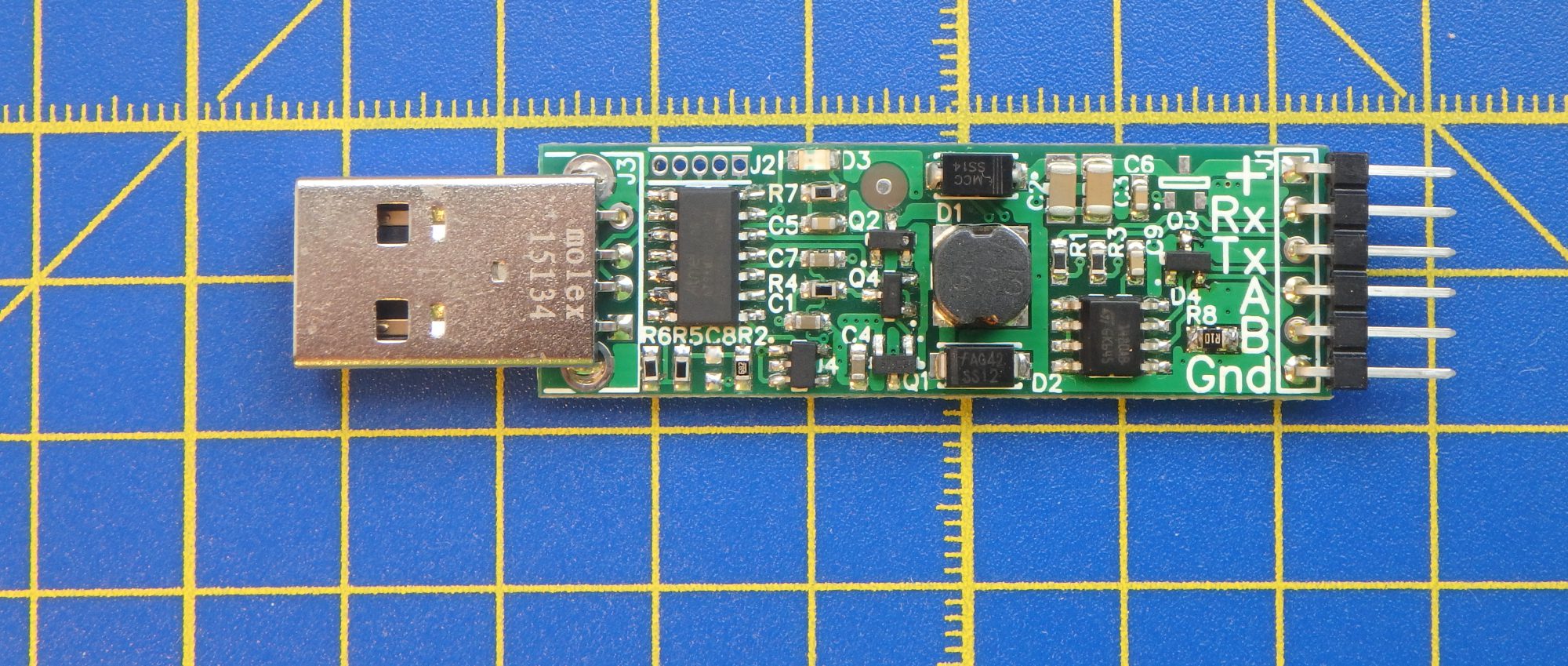
Hi, recently I found this cheap chinese OLED LCD based on SSD1306 controller. And because I already have I2C driver written in Python for EasyVolts, I decided to try to control this LCD from my PC. For this, I don’t need anything but EasyVolts and the LCD. I made Python script that shows 2 pictures in a loop with 1 sec pauses between them. You can use any other pictures with 128*32pix resolution or even extend the suggested script to draw text (it should be much faster than sending bitmaps).
The python script looks pretty simple, complete project is in this archive: OLED_demo.
#main program starts here
print("Open control serial port. To exit press CTRL+C")
serialPort = serial.Serial('COM38')#set your port name here
print('Set voltage:3300mV. Set current protection limit: 100mA.')
serialPort.write(b'u3300\r') #set voltage value
serialPort.write(b'i100\r') #set current limit value

print("Init I2C bus")
EasyVolts_SWI2C.init(serialPort)
time.sleep(0.5)
#init SSD1306
print("Init SSD1306(0x3c) OLED LCD")
init_SS1306(serialPort)

print("Send text to the LCD")
try:
    while (1):
        print("show picture 1")
        ShowImageOnLCD(serialPort,"picture1.bmp")
        time.sleep(1)
        print("show picture 2")
        ShowImageOnLCD(serialPort,"picture2.bmp")
        time.sleep(1)

except KeyboardInterrupt:
    pass

#before exit set output power to 0 and TxRx pins to Z state
serialPort.write(b'u0\r')
serialPort.write(b'zT\r')
serialPort.write(b'zR\r')
serialPort.close()
print("Exit!")
Video of the demostration is below:
 EasyVolts
Loved reading tthis thank you
LikeLike
Hi there, I’ve been trying to use your code with the I2C Pi OLED from Adafruit and the I2C Mini from Excamera Labs and the script starts to run but hangs after printing: “Init SSD1306(0x3c) OLED LCD” to the terminal. Nothing displays on the screen. Is there any advice you could provide me? Thanks so much.
Justin
LikeLike
Hi Justin, I’d strongly advise using some sort of I2C logic analyzer (some oscilloscopes also can decode this protocol). I’m not familiar with “I2C Mini” device and since my experiments were using another I2C adapter, I could assume you have some timing issues.
Best regards, Valerii
LikeLike