To simplify control of the EasyVolts I made a GUI tool. Now you can activate any function of the EasyVolts just in a couple clicks.

The program for windows can be downloaded here: EasyVoltsGUI
Embedded systems development
To simplify control of the EasyVolts I made a GUI tool. Now you can activate any function of the EasyVolts just in a couple clicks.
The program for windows can be downloaded here: EasyVoltsGUI
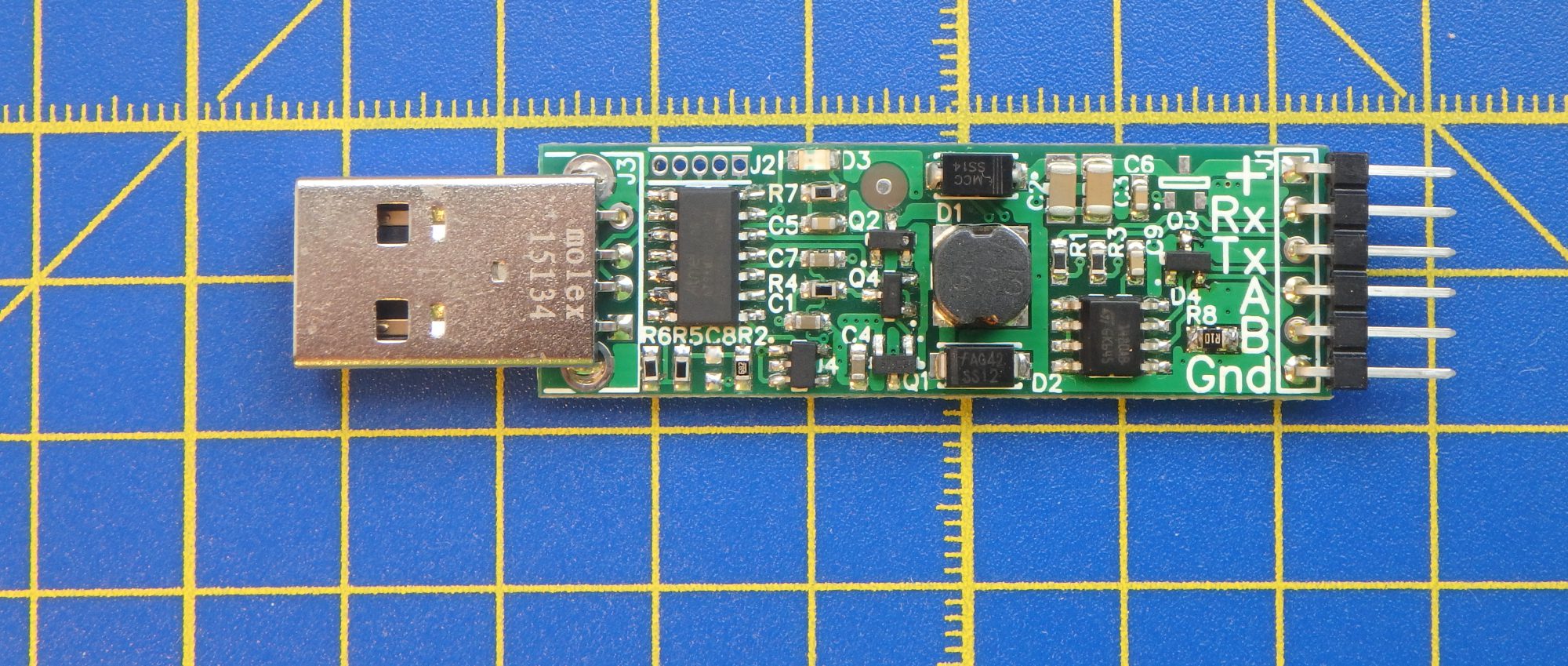
Hi, I got samples of the latest version of the EasyVolts – rev3 version!
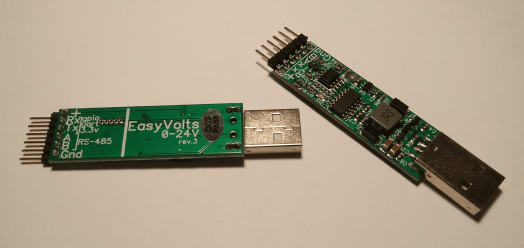
In this version, the max power that can be converted by the device was increased to 5W. It lets the device to work with USB2.0 hosts that can provide 1a or more (for example USB3.0 or high power USB2.0 hosts). Also, current measurement and overcurrent protection functionality were improved. I hope this revision is the final one so I did full testing and measured actual parameters of EasyVolts power converter. Here is the efficiency of the device at max output power for different output voltages with input power limited to 2.5W (normal USB2.0): 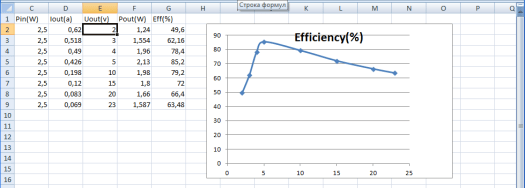
For 5W input power, we can get ~2 times more output power (but output current must be less than 1a). I hope EasyVolts will be available for purchase soon.
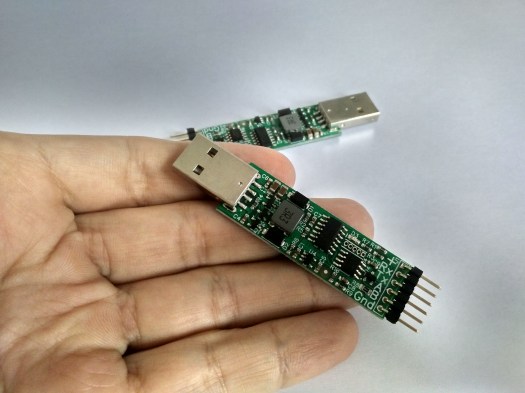

Hi, recently I found this cheap chinese OLED LCD based on SSD1306 controller. And because I already have I2C driver written in Python for EasyVolts, I decided to try to control this LCD from my PC. Continue reading “How to connect SSD1306 OLED LCD to PC”
Hi, in this post I’ll explain how EasyVolts is controlled by PC and which commands are available. To avoid any complicated drivers EasyVolts was made as a device that appears in PC as 2 virtual COM ports. One is used as USB-UART/RS485 converter and second controls all auxiliary functionality (GPIO pins, PWM, power supply) using simple textual commands in ASCII. Continue reading “EasyVolts control commands description”
Hi,
today I want to tell you about my progress with adding new features to EasyVolts project. This time I added software I2C master implementation written in Python 3. Continue reading “EasyVolts + Python = I2C master!”
Hi everybody,
I want to let you know that I just made EasyVolts_rev1 project (the revision that had a campaign on IndieGoGo) completely open. Here is the link to GIT repository. Continue reading “EasyVolts_rev1 goes open!”
Hi, here is the new demo of EasyVolts usage. In this demo python script controls EasyVolts to read external button and control RC servo without any complicated schematics or external power supply.
Here is the connection schematic:

Continue reading “EasyVolts and Python. Read button, control PWM”
Hi! In the video below I’ll show you how to control RC servo from your PC with EasyVolts. Continue reading “EasyVolts as power + PWM source”
This is the first record on the new site. From now on all news about EasyVolts will be posted here. My first crowdfunding campaign on IndieGoGo didn’t manage to get needed support due to bad media coverage. That’s why I’ve decided to create this website to build a community before trying to launch a new campaign. Here I will post videos about EasyVolts’ use cases, HowTo’s, publish software utils and code snippets.

 EasyVolts